Protocols
Protocols are step-by-step workflows for calibrations. Use the Protocols page in the UI to run a calibration protocol, enter the required metadata, and follow the guided prompts.
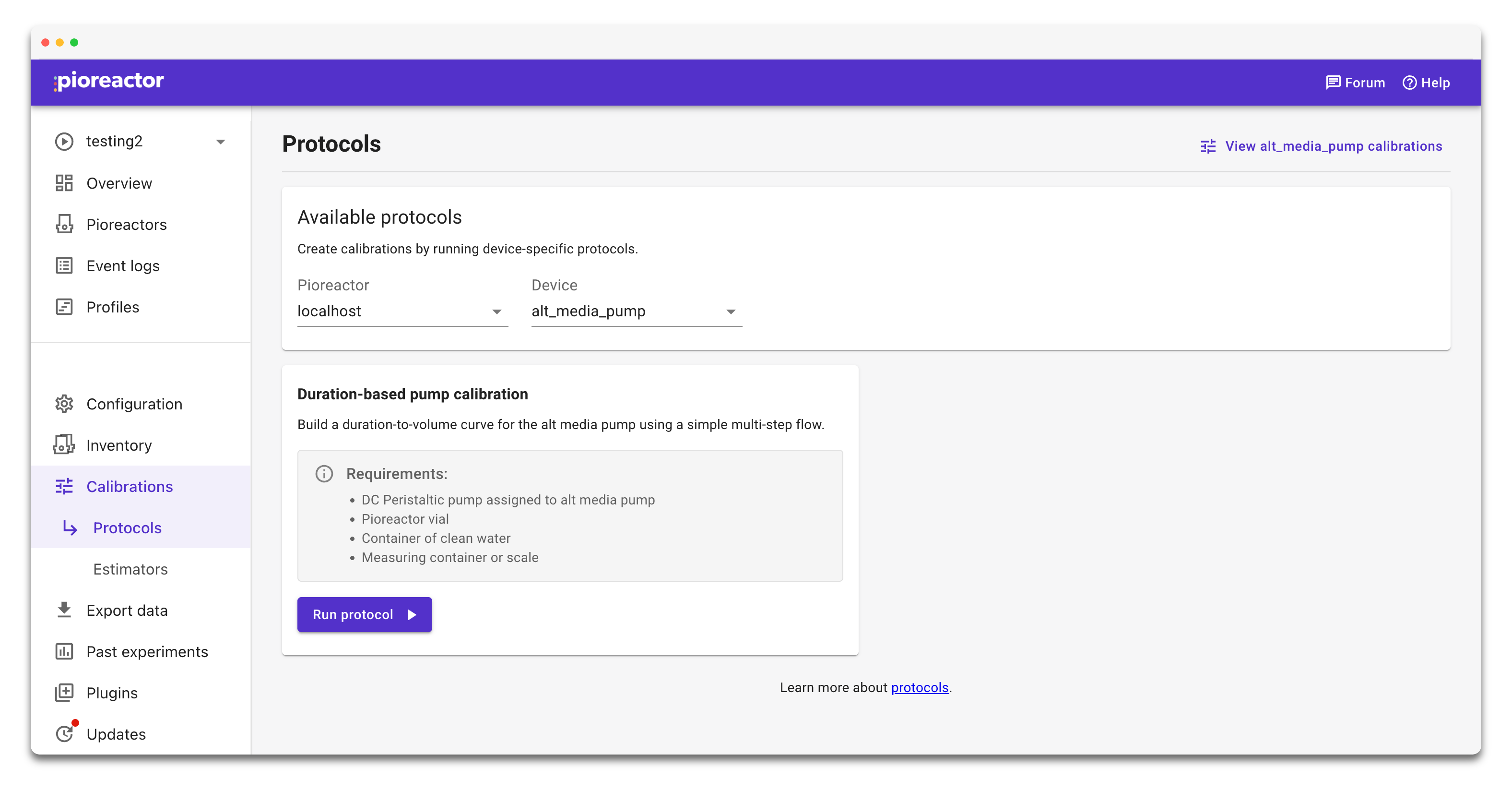
Run a calibration protocol
- Open Protocols from the left navigation.
- Choose the protocol that matches your calibration goal.
- Enter a clear name and any metadata requested by the flow.
- Follow the on-screen steps to collect measurements.
- When the protocol finishes, review the resulting calibration and set it active if needed.
The available protocols depend on connected hardware and the calibration type you select. For optical density calibrations, see Standard curves for OD600 readings.