Hardware pre-flight check
Before your first experiment, let's do a quick hardware pre-flight. You'll complete two short checks:
- Run a hardware self-test.
- Create a stirring calibration.
Both steps are safe to repeat.
Step 1: Run a self-test
This self-test catches wiring or hardware issues early, before you run your first culture.
- Insert a closed vial with water and a stir bar into the Pioreactor.
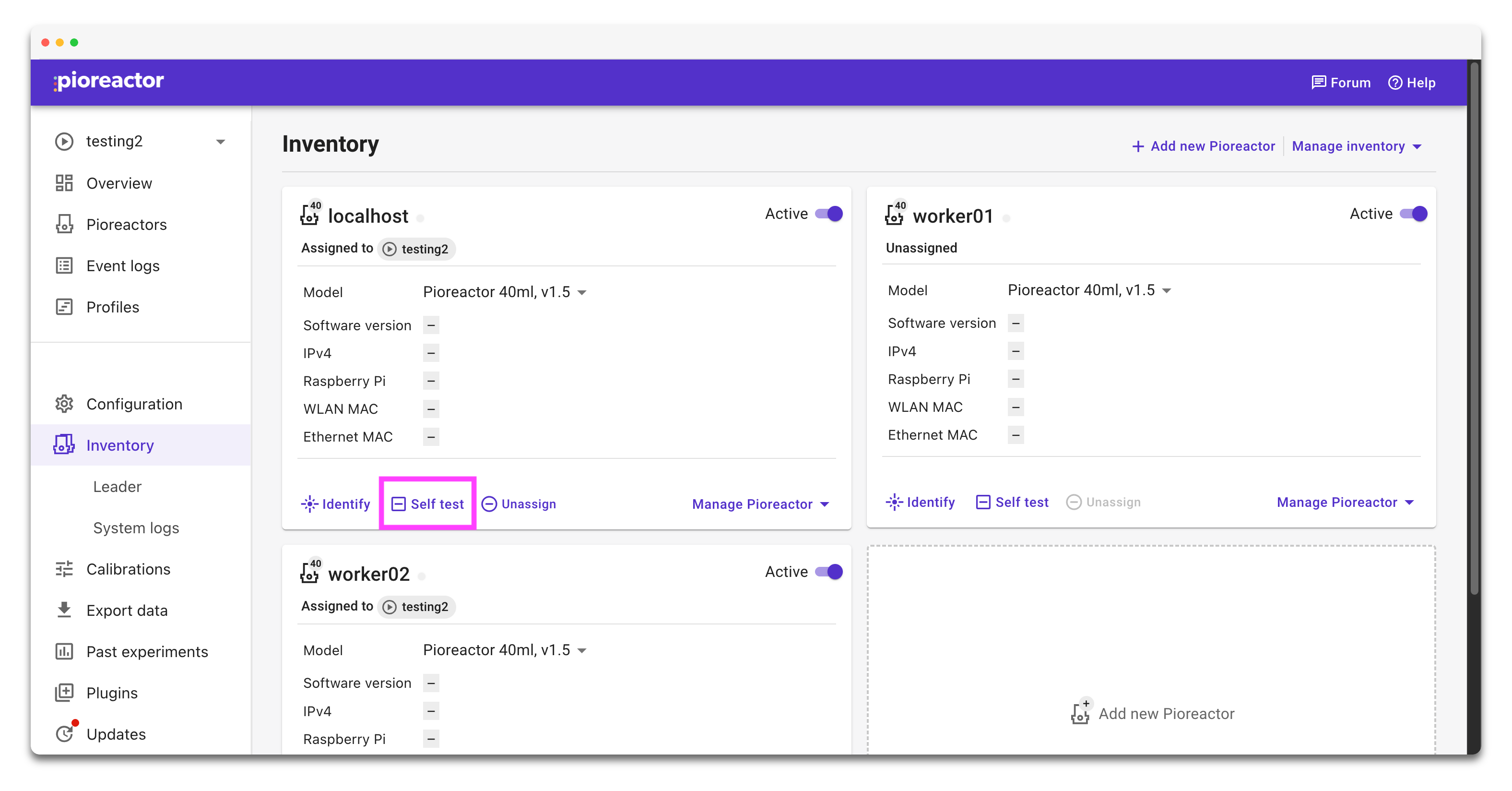
- Open the Inventory page in the UI.
- Click Self-test on your Pioreactor card, then click Start.
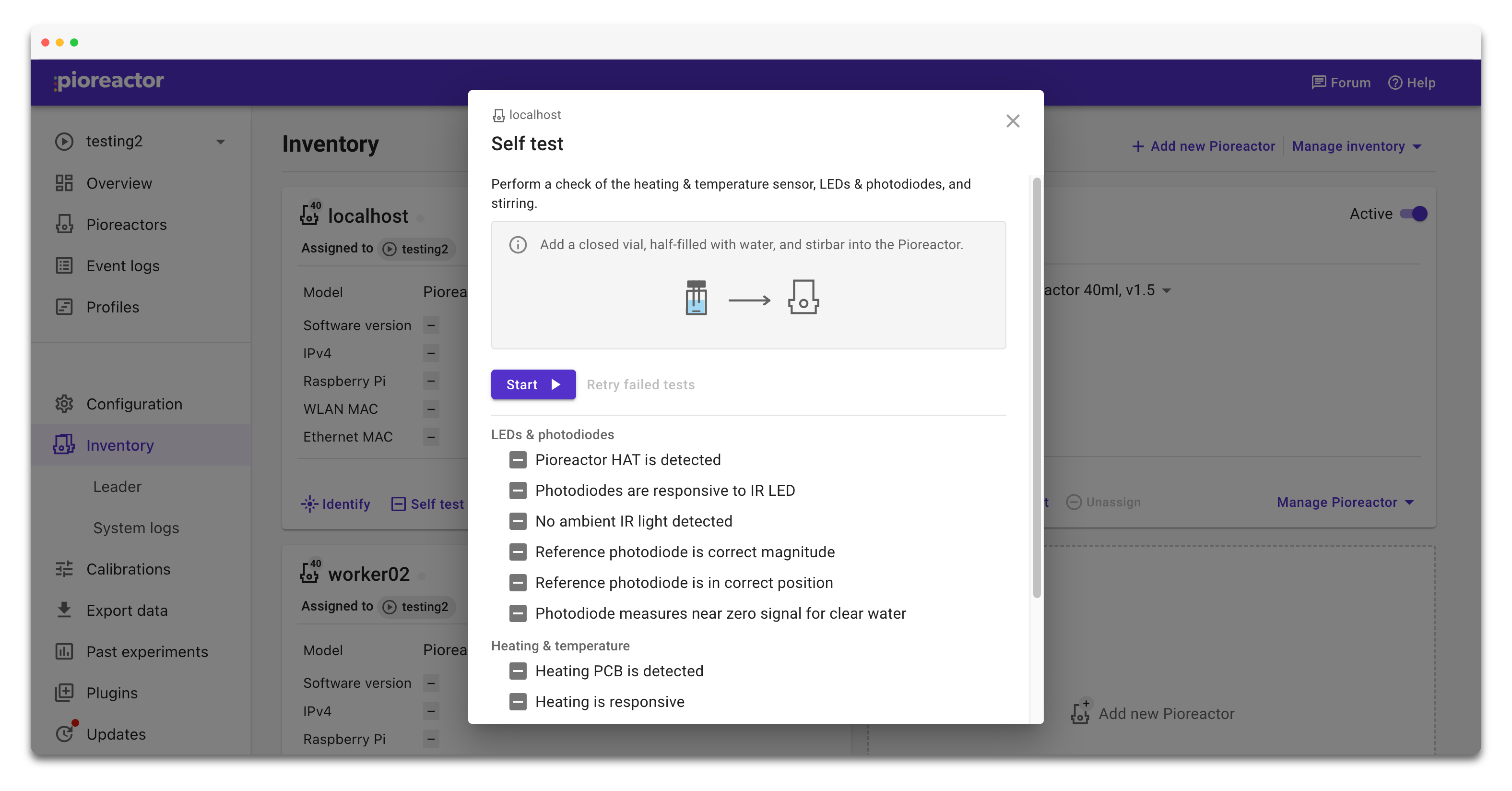
The Pioreactor will run a short series of checks and report back with passes and failures.
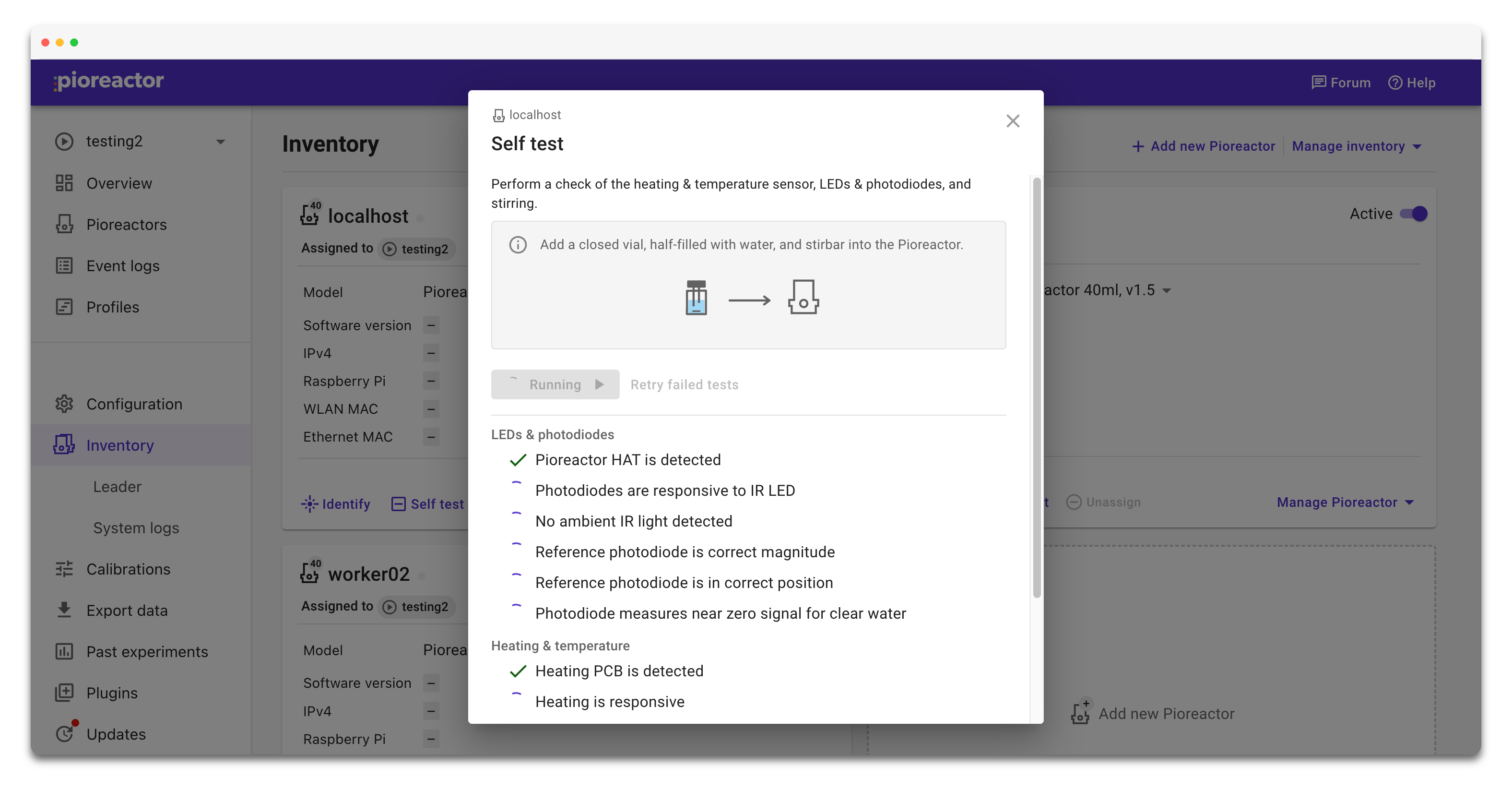
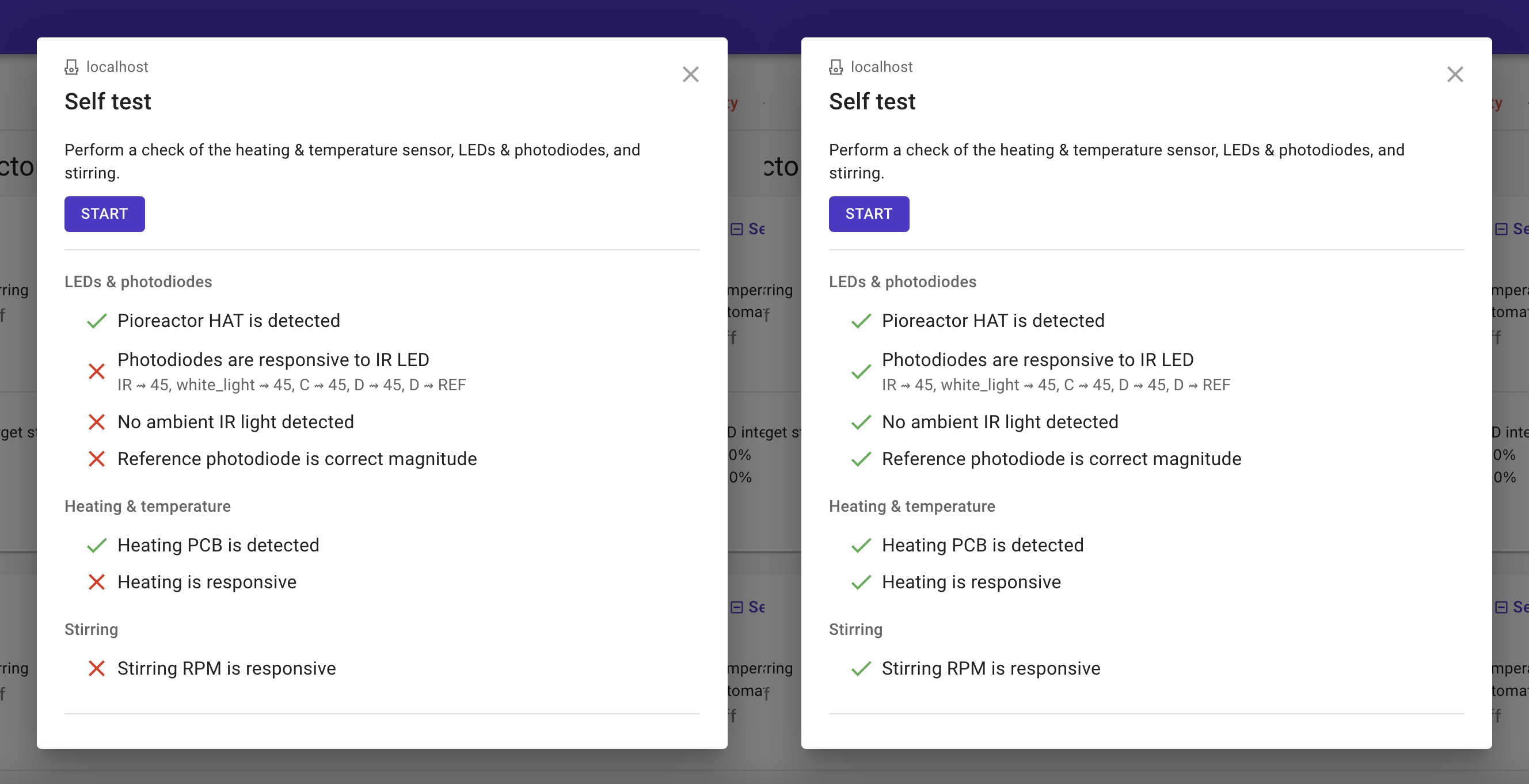
The self-test is optional, but we strongly recommend running it after your initial setup. Even if a test fails, your Pioreactor may still be usable - it just helps you catch issues early.
Want details on each check and how to interpret failures? See Self-test reference.
Step 2: Create a stirring calibration
A stirring calibration helps the Pioreactor hit the RPM you ask for quickly.
Keep the same vial (water + stir bar) in place for this step.
- Open the Protocols page in the UI.
- Set Pioreactor to the unit you're calibrating, and Device to stirring.
- Click Run protocol to begin the calibration.
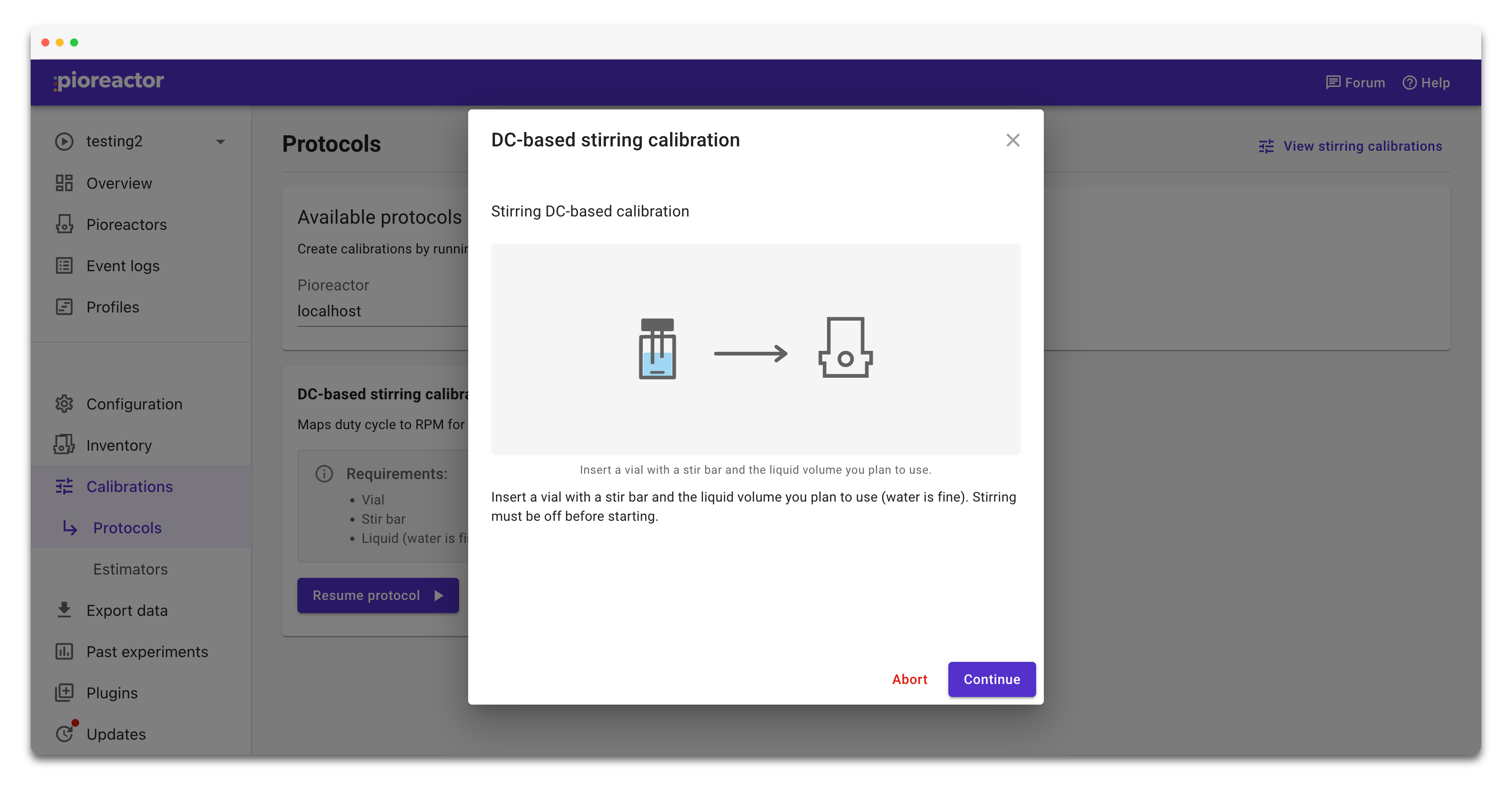
- Let it finish - it takes about 1 minute.
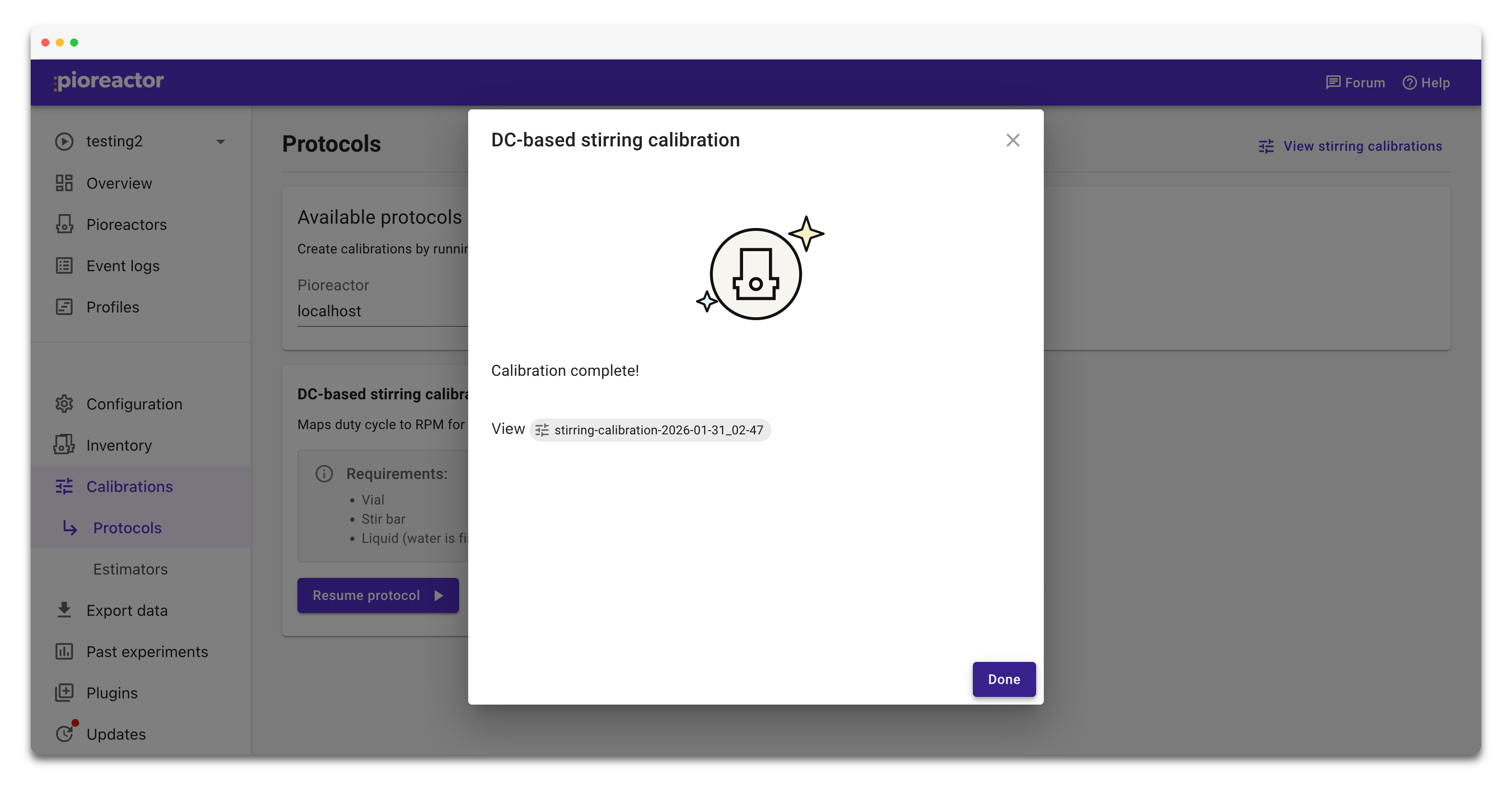
When it's done, the calibration is saved automatically. If anything looks off, you can run the calibration again.
You're done with pre-flight checks. Next up: set up your first experiment.