Browse experiments
Use Experiments to find active and previous runs, jump back into an experiment, and start a new one when needed.
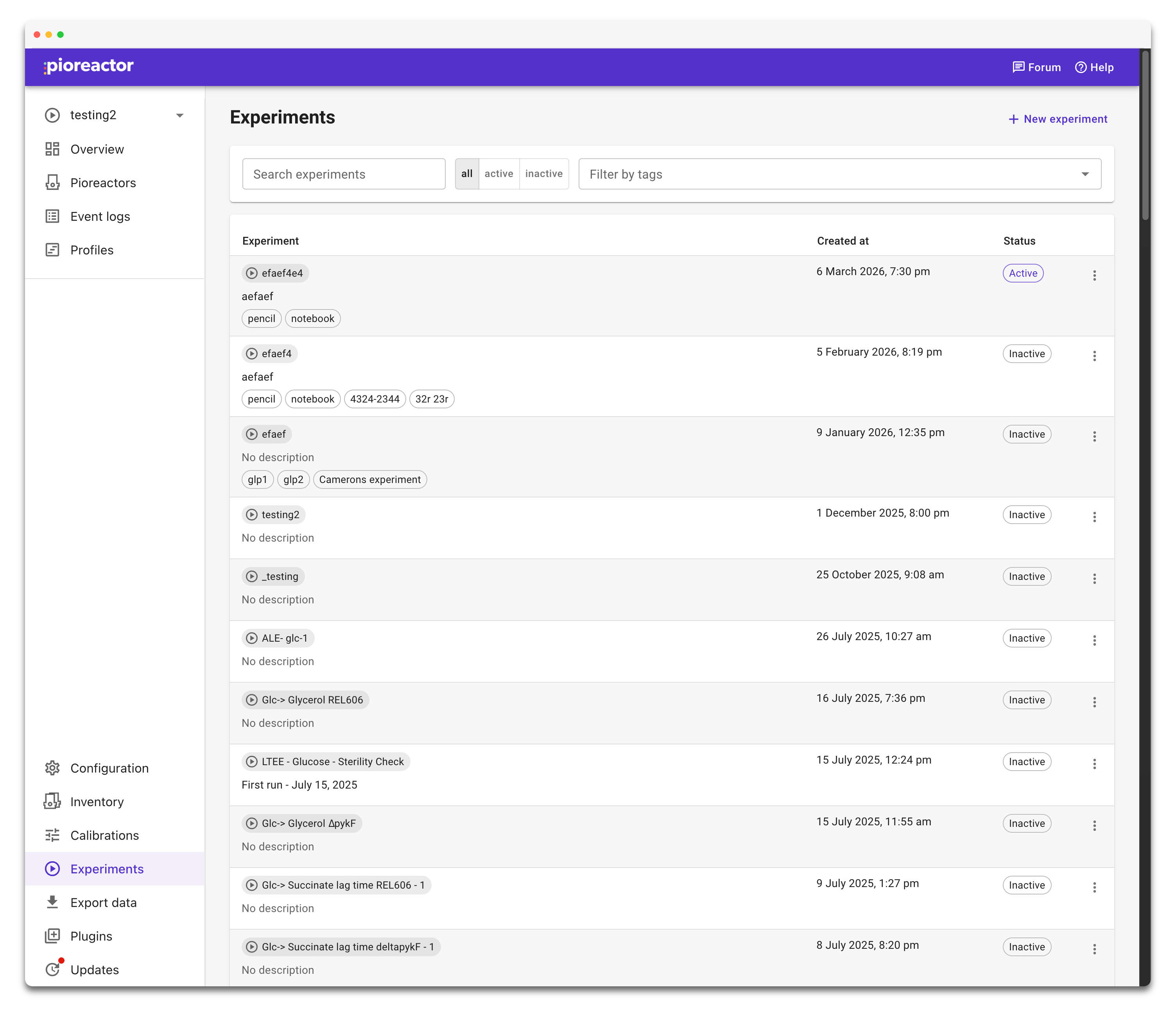
At the top of Experiments, you can:
- Click New experiment to open Start a new experiment.
- Search by experiment name or description.
- Filter the table by status with all, active, and inactive.
- Filter by tags to show only experiments that match a tag or set of tags.
Each row shows the experiment name, description, tags, creation time, and whether the experiment is currently active.
Click an experiment name to open that experiment.
Using tags
Tags help group related work across many runs. You might use tags for strain names, media recipes, operators, projects, or protocols.
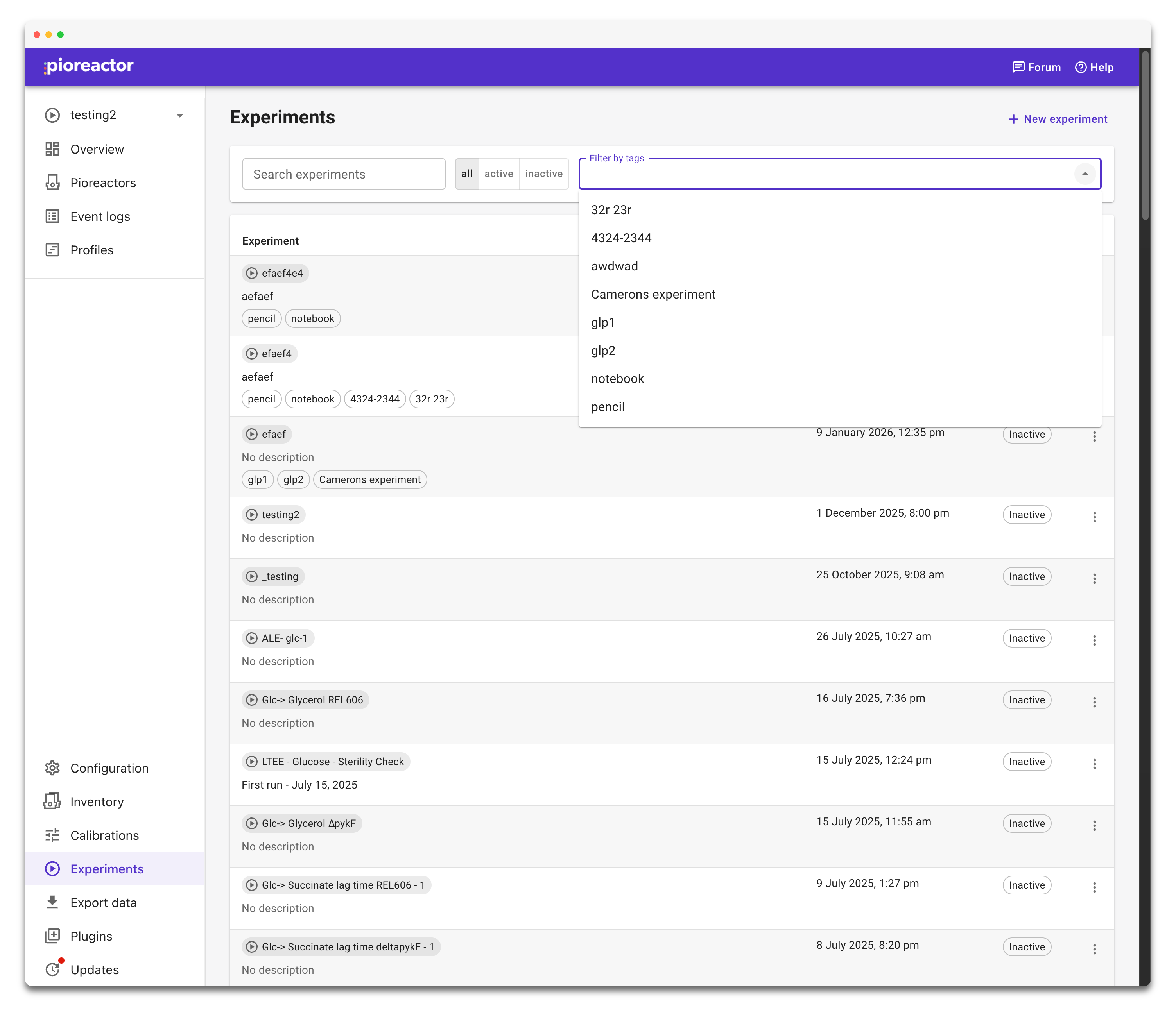
Open Filter by tags and select one or more tags to narrow the list.