Adding the Precision Temperature Upgrade Kit
The Precision Temperature Upgrade Kit adds a faster, more accurate external temperature sensor to a Pioreactor 20ml and 40ml.
Step 1: Install the FIR temperature sensor #
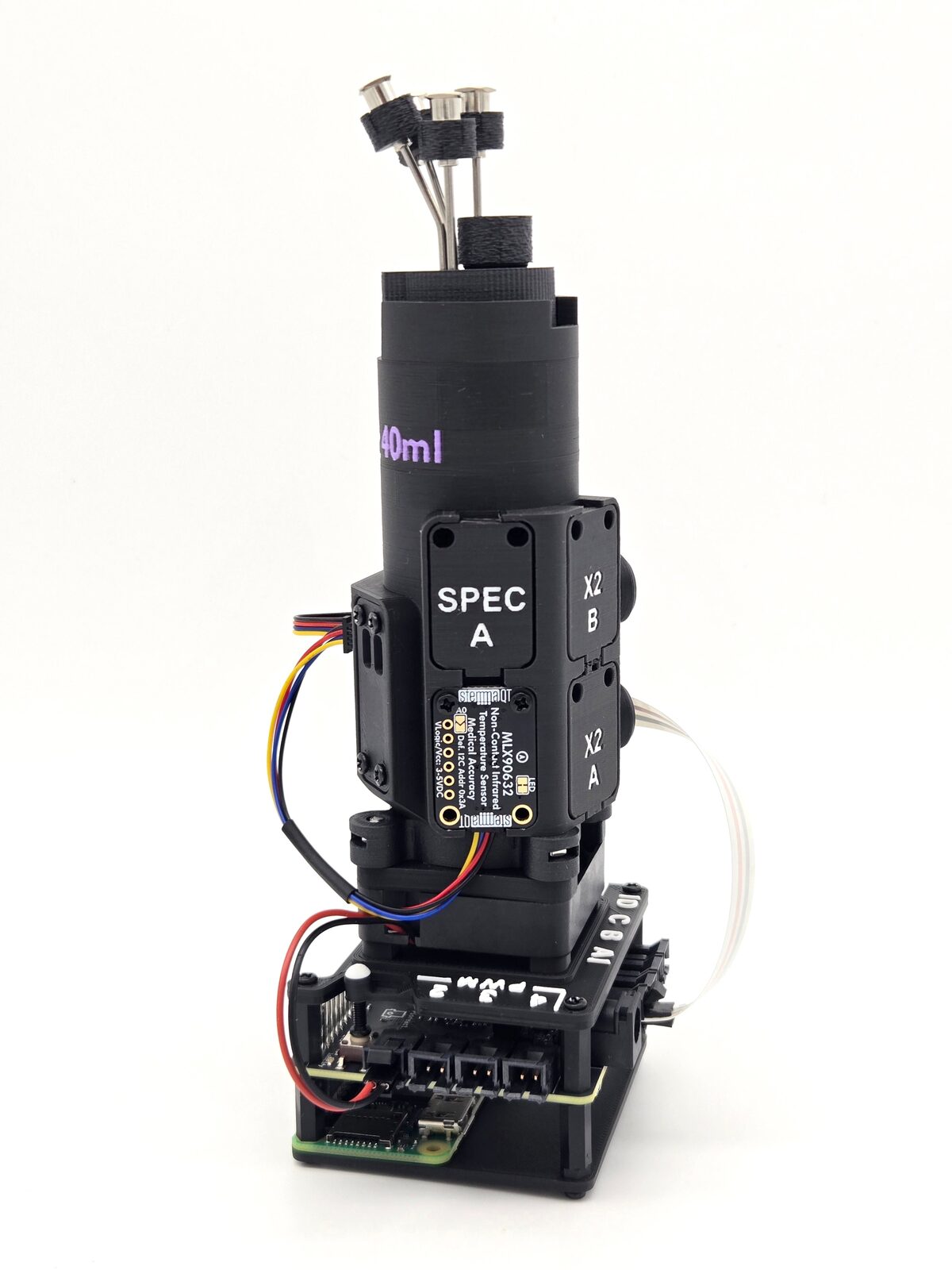
- Use a flat-head screwdriver or thin shim to gently lift and remove the plastic cover from the SPEC position.
- Connect one end of the provided STEMMA QT cable to the FIR temperature sensor PCB.
- Connect the other end of the cable to the nearest Eye-spy PCB.
- Place the sensor PCB into the open position. Match the orientation shown in the photos: the LED "pad" faces the right-hand side, and the 6 holes face the left-hand side.
- Optionally, secure the PCB with the provided 8mm M2.5 screws.
Step 2: Install the plugin
Power on the Pioreactor, open Plugins in the Pioreactor UI, and install pioreactor-precision-temperature-plugin on the Pioreactor with the new sensor.